Introduction
Let’s be honest for a second. How many times have you clicked “Forgot Password” this year? If you’re like most people, it’s probably more than once. We all know we should use strong, different passwords for every account. But actually doing that? It feels impossible.
That’s where a password manager comes in. It’s a simple tool that does the hard work for you. It remembers all your passwords, so you only need to remember one. Understanding this tool is one of the best things you can do to protect your money, your email, and your personal life online.
The Key to Your Digital House
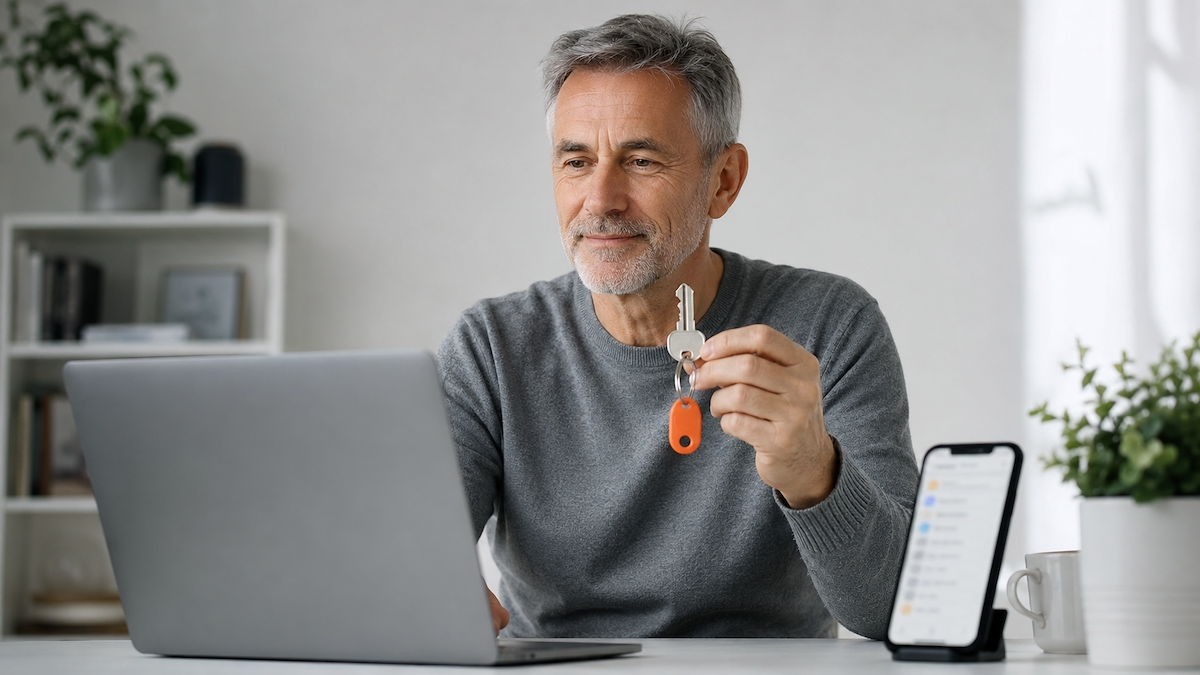
Think of a password manager like a secure key box. Imagine you have a house with twenty doors. Instead of carrying twenty different keys around, you put them all inside one strong, locked box. You only need one key to open that box. That single key gets you into everything else.
That’s exactly how a password manager works. It’s an app or a program on your phone or computer. Inside this app, you save all your usernames and passwords for every website you use. The app locks them up safely. To open the app, you only need to remember one master password. It’s the only password you’ll ever need to memorise again.
But that one key needs to be strong. A good trick is to use a passphrase—four random words like “purple tiger fence rain”. It’s easy for you to remember, but almost impossible for a computer to guess. For extra safety, you should also switch on two-factor authentication, often called 2FA. That means after typing your master password, you also confirm it’s really you using a code from your phone. It’s like having a second lock on the key box.
It sounds simple because it is. The technology behind it is complex, but using it is as easy as unlocking your phone.
Why Your Memory Is Not a Security System
Most of us deal with the password problem in one of two ways. We either use the same password everywhere, or we make up easy ones we can’t forget. Think about it: your pet’s name plus your birthday. Or “Password123”.
The problem is that bad guys know these tricks. They use computer programs that can guess thousands of easy passwords in minutes. If you use the same password for your email and your online banking, it’s like using the same key for your front door, your car, and your safe. If someone gets that one key, they get everything.
A password manager fixes this. Because it remembers for you, you don’t have to choose between “easy to remember” and “secure”. You can let it create long, random, impossible-to-guess passwords like xK9!vR2pQz&8. You’ll never have to type it, or even look at it, because the app fills it in for you automatically.
This is called a “strong, unique password”. It’s strong because it’s hard to crack. It’s unique because you use it for only one account. If one website gets hacked, your other accounts stay safe. That’s the real power here. You stop playing defence and start being proactive.
One important thing to keep in mind: because your master password is the key to everything, you can’t just click “forgot password” to reset it. Password managers are designed so that nobody—not even the company—can open your box without that key. If you lose it, you could lose access to all your saved passwords. So write it down on a piece of paper and keep it somewhere safe at home, like a locked drawer. It sounds old-fashioned, but it works.
Real Life, Saved by the App
Imagine this. It’s a normal Tuesday evening. You get an email that looks like it’s from your bank. It says there’s a problem with your account. You click the link, and a website opens that looks exactly like your bank’s login page. This is a trick. It’s called a phishing attack. The website is fake, built to steal your password.
If you were typing your password by hand, you might not notice the web address is slightly wrong. You’d type in your password, and the bad guys would have it.
But a password manager is smarter. It remembers that your real bank password is saved for the real bank website. When the fake website loads, the password manager won’t offer to fill in your details. It’s like a trusted friend tapping you on the shoulder and saying, “Wait. This isn’t the right place.” It stops you from making a mistake, even when you’re tired or distracted.
Here’s another common scenario. You’re lying in bed, trying to order a gift on your phone. You need to log into a shopping site you haven’t used in months. You can’t remember the password. Instead of getting up to find your written list, you just open your password manager, use your fingerprint, and it logs you in instantly. It’s not just about security; it’s about making your life easier.
Key Takeaways
- A password manager is a secure app that stores all your passwords in one place.
- You only need to remember one master password to unlock the app.
- Make that master password strong—use a passphrase of four random words.
- Turn on two-factor authentication (2FA) for an extra layer of protection.
- It creates strong, random passwords that are much harder for hackers to guess.
- It helps you use a different password for every site, so one breach doesn’t expose everything.
- Write down your master password and keep it somewhere safe at home—there’s no reset button.
- It can help protect you from phishing attacks by refusing to fill passwords on fake sites.
Final Thoughts
The goal here isn’t to make you a cybersecurity expert. It’s to give you a better, simpler way to live online. We’ve spent years trying to be human password generators, and it doesn’t work. We’re not built for that. But we are good at using tools to make our lives easier.
A password manager is just that—a tool. It takes a heavy burden off your shoulders. Start small. Try one on your personal devices. You might be surprised how quickly it becomes a natural part of your digital life.