
Introduction
Fake notifications can look extremely convincing. A message pops up on your phone claiming to be from your bank, a government office, or a courier company. It often sounds urgent and asks you to click a link, confirm your details, or pay a small fee.
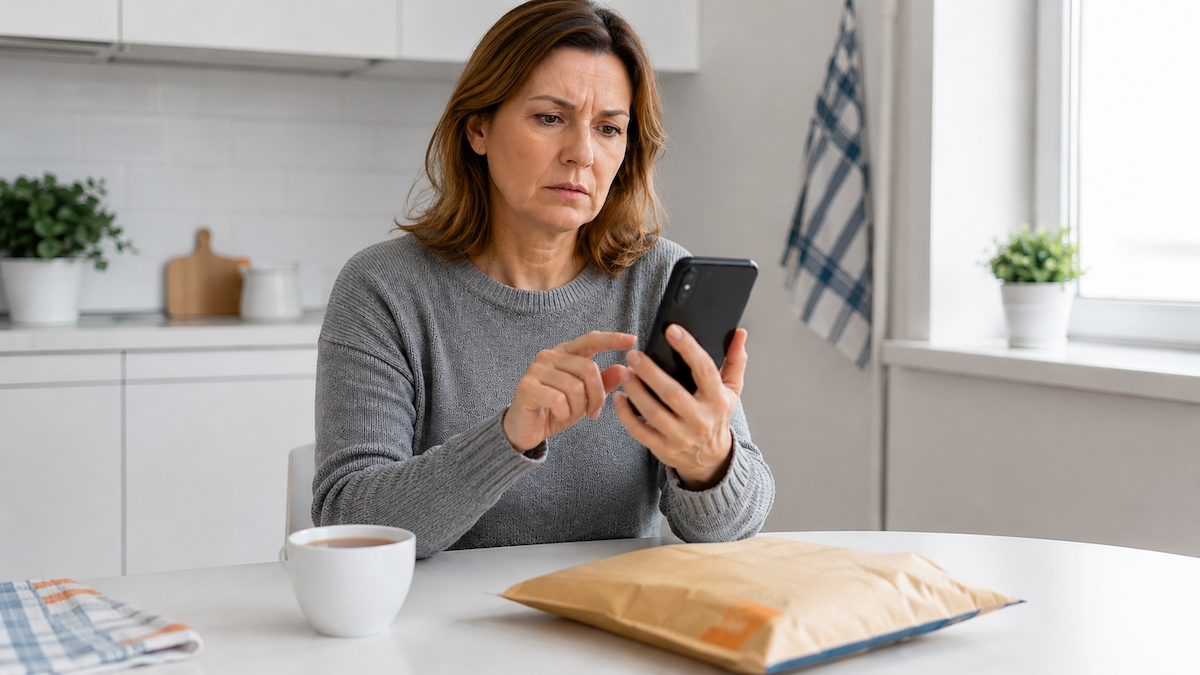
This is a common type of scam. Criminals send these messages to steal your money, your card details, or your identity. The good news is that you do not need any technical knowledge to spot them. You only need to know which phrases to watch for and what to do when something feels wrong.
The Core Idea: What Makes a Suspicious Message Suspicious?
Most fake messages rely on one thing: pressure. The sender wants you to act quickly, before you have time to think. They use fear, excitement, or a false sense of urgency.
Think of a stranger knocking on your door and saying, “I’m from the water company. I need your house keys immediately or your water will be cut off.” You would hesitate, and rightly so. A real company would not demand instant access in that way. Fake digital messages work the same way. They try to rush you.
Here are some common phrases you might see:
- “Your account has been suspended.”
- “Unusual activity detected. Confirm your identity immediately.”
- “Your parcel could not be delivered. Pay a small redelivery fee.”
- “You are eligible for a tax refund. Confirm your bank details now.”
- “Final warning: your account will be closed within 24 hours.”
These phrases are red flags. A real bank, office, or courier firm does not usually send this kind of high-pressure message out of the blue.
A Dictionary of Suspicious Phrases
Let’s break the language down into a few simple categories. Once you see the pattern, the scams become much easier to recognise.
1. Urgency and Threats
Scammers love words like “immediately,” “within 24 hours,” and “final warning.” They want to scare you into acting without thinking.
For example: “Your bank account will be permanently blocked if you do not verify your identity today.” A real bank may freeze a card if it suspects fraud, but it will not threaten you by text and demand immediate clicks.
2. Requests for Personal or Financial Details
Be very careful if a message asks for:
- your full card number
- your PIN
- your online banking password
- a one-time security code
- your mother’s maiden name
A real bank will never ask for your PIN or password by text or email. A government office will not ask you to confirm your bank details through a random link.
3. Clickable Links and Attachments
Many fake messages include a link like “Click here to update your details” or “Download the form to receive your refund.” These links often lead to fake websites designed to steal whatever you type. On a phone, it is safer not to tap links in unexpected messages at all.
4. Small Fees That Lower Your Guard
Some scams ask for a tiny payment, for example £1.45 to reschedule a delivery. The amount feels harmless, so people are more likely to pay. But the real goal is to collect your card details. After that, the criminals may use them for much larger charges.
5. Unusual Senders
Check who sent the message. A genuine message from a well-known company or public office usually comes from a known, consistent number or email address. If you see a random mobile number, a strange email address, or slight spelling changes in the name, treat it with suspicion.
How These Scams Appear in Real Life
Let’s look at a few everyday situations.
The Courier Text
You are expecting a parcel, so a message saying “We missed you. Pay a redelivery fee here” seems believable. But real courier companies usually leave a card, contact you through their official app, or let you track the parcel on their website. If a text asks you to pay through a shortened or unfamiliar link, stop and check the official courier website instead.
The Bank Email
You receive an email with a logo that looks just like your bank. It says: “We noticed a suspicious login. Verify your details now or your account will be frozen.” The logo is real-looking, but logos can be copied. Do not use the link in the message. Instead, open your bank app or call the number on the back of your card.
The Government Office Message
A text arrives: “You have a tax refund of £340. Confirm your bank details within 48 hours.” It sounds exciting, but government offices do not usually process refunds through text messages with links. They normally write to you by post or use your official online account.
The “Small Fee” Trick
A message says your parcel is held at customs and you need to pay £2.50 to release it. The amount is small, so you pay. Later, you notice a much larger charge on your card. That small fee was a way to steal your card information.
In every case, the best response is the same: stop, think, and check through an official channel.
Key Takeaways
- Real organisations rarely send urgent threats or demand immediate action.
- Be suspicious of phrases like “final warning,” “account will be blocked,” or “pay a small fee now.”
- Never share your PIN, password, full card number, or one-time security codes.
- Do not click links in unexpected messages; go to the official website or app instead.
- Check the sender carefully. Random numbers and slightly misspelled names are warning signs.
- If something feels off, contact the bank, office, or courier using a phone number you already trust.
- When in doubt, delete the message or report it as spam.
Final Thoughts
You do not need to be a technical expert to protect yourself. You just need to slow down and notice when a message is trying to push you. That uncomfortable feeling you get when someone demands quick action is useful. Listen to it.
Share what you have learned with a friend or family member. The more people who can spot these suspicious phrases, the less effective the scams become. And next time you see a “final warning” text about a parcel you did not order, you can smile, delete it, and get on with your day.